Digital Intelligence
Last updated: July 14, 2026
Digital Intelligence is an AI-powered silent observer that watches your usability sessions in real time, flags moments of confusion, frustration, or success, and probes participants with targeted follow-up questions based on what it observed.
What is Digital Intelligence?
Digital Intelligence is part of Outset's Visual Intelligence Suite.
It runs silently in the background during usability tasks, detecting behavioral signals and analyzing on-screen content to identify moments of confusion, frustration, or difficulty. After the task, the AI uses those observations to probe participants with targeted follow-up questions grounded in what actually happened — not just what they reported.
This is particularly useful when you want to go beyond self-reported feedback: understanding where participants got lost, why they clicked where they did, or what on screen caused them to hesitate.
Part 1: Programming the Study Guide
How Digital Intelligence Is Activated
Digital Intelligence is automatically enabled for any task-type question in desktop and mobile usability studies.
To get the most out of Digital Intelligence, make sure your Usability study includes:
A clear task prompt that tells participants what they're trying to accomplish (e.g., "Try to find and add a product to your cart")
Relevant AI context fields and guide questions — Digital Intelligence uses all available study context to guide its observations and follow-up questions
Any uploaded research briefs or background information that can help the AI understand your research goals
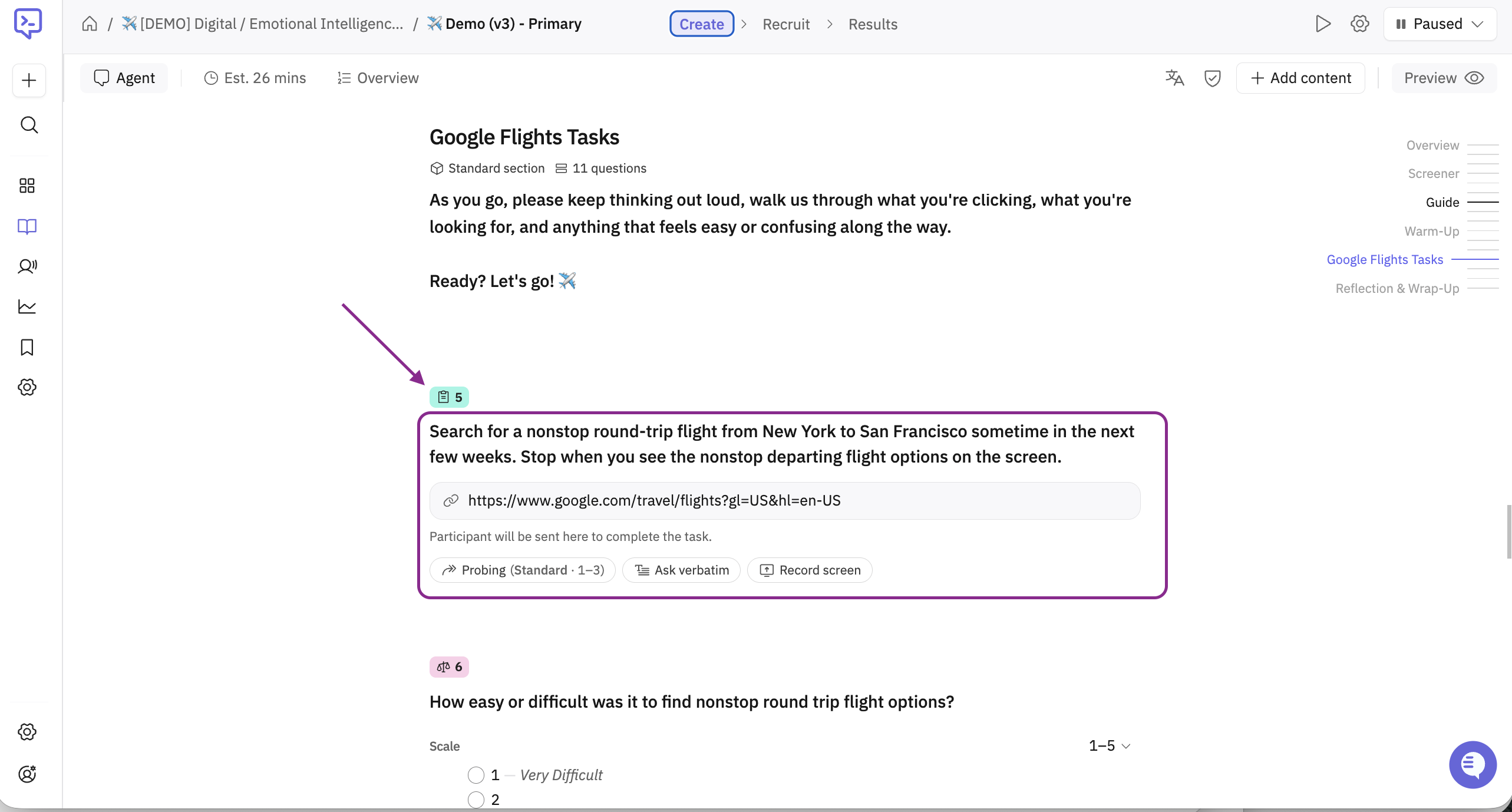
The more context you give the AI about what a successful task looks like, the better it can identify where things went wrong and why.
Adding Follow-up Questions After a Task
All standard question types are available after a task-type question. Any questions placed after the task will automatically receive the silent observer's prioritized notes, allowing the AI moderator to ask follow-up questions grounded in what it observed during the session.
The AI moderator can also compare the participant's self-reported task completion with the observed task completion and call out any discrepancy between the two.
Part 2: Analysis
What You'll See in Transcripts
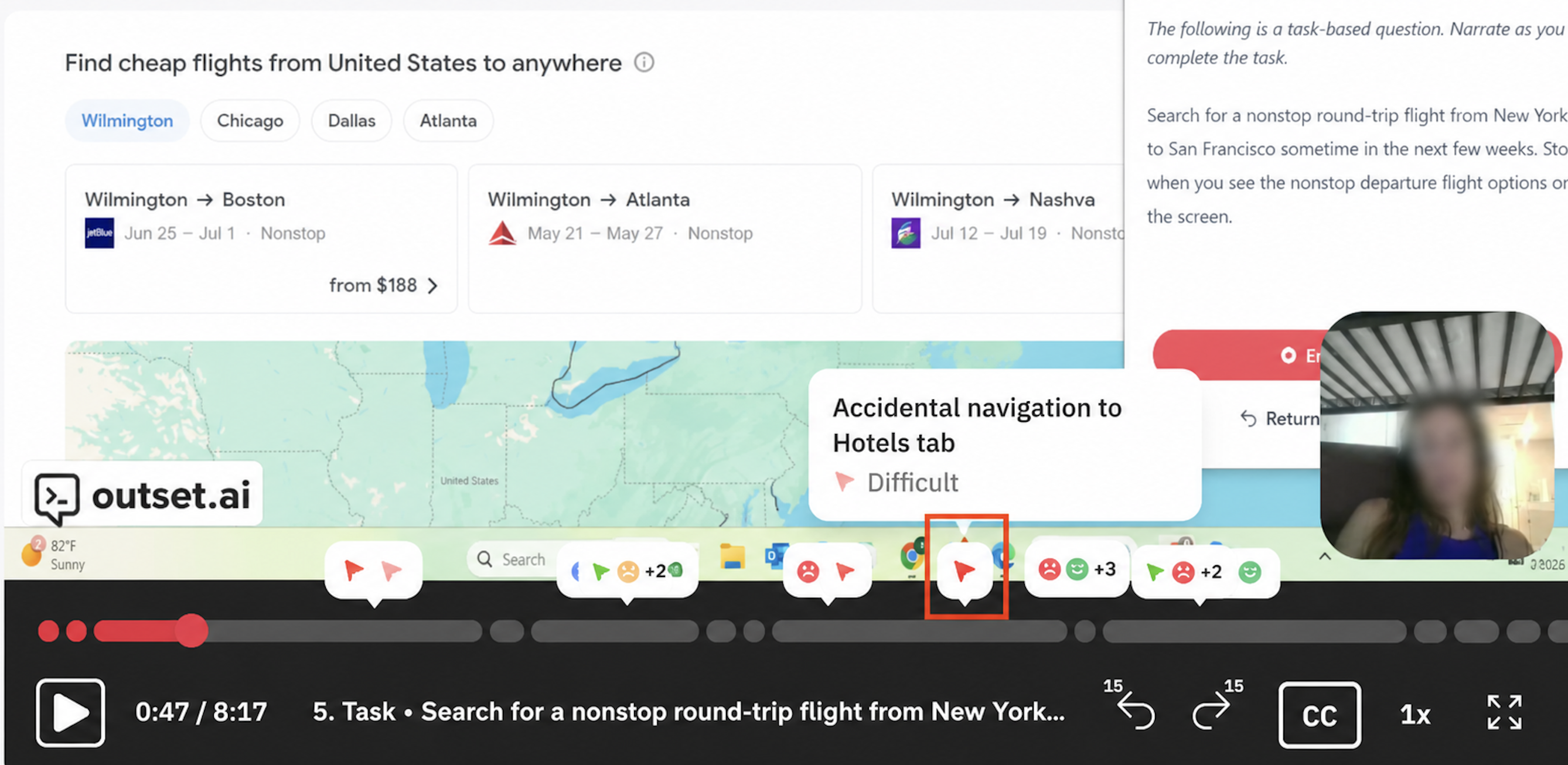
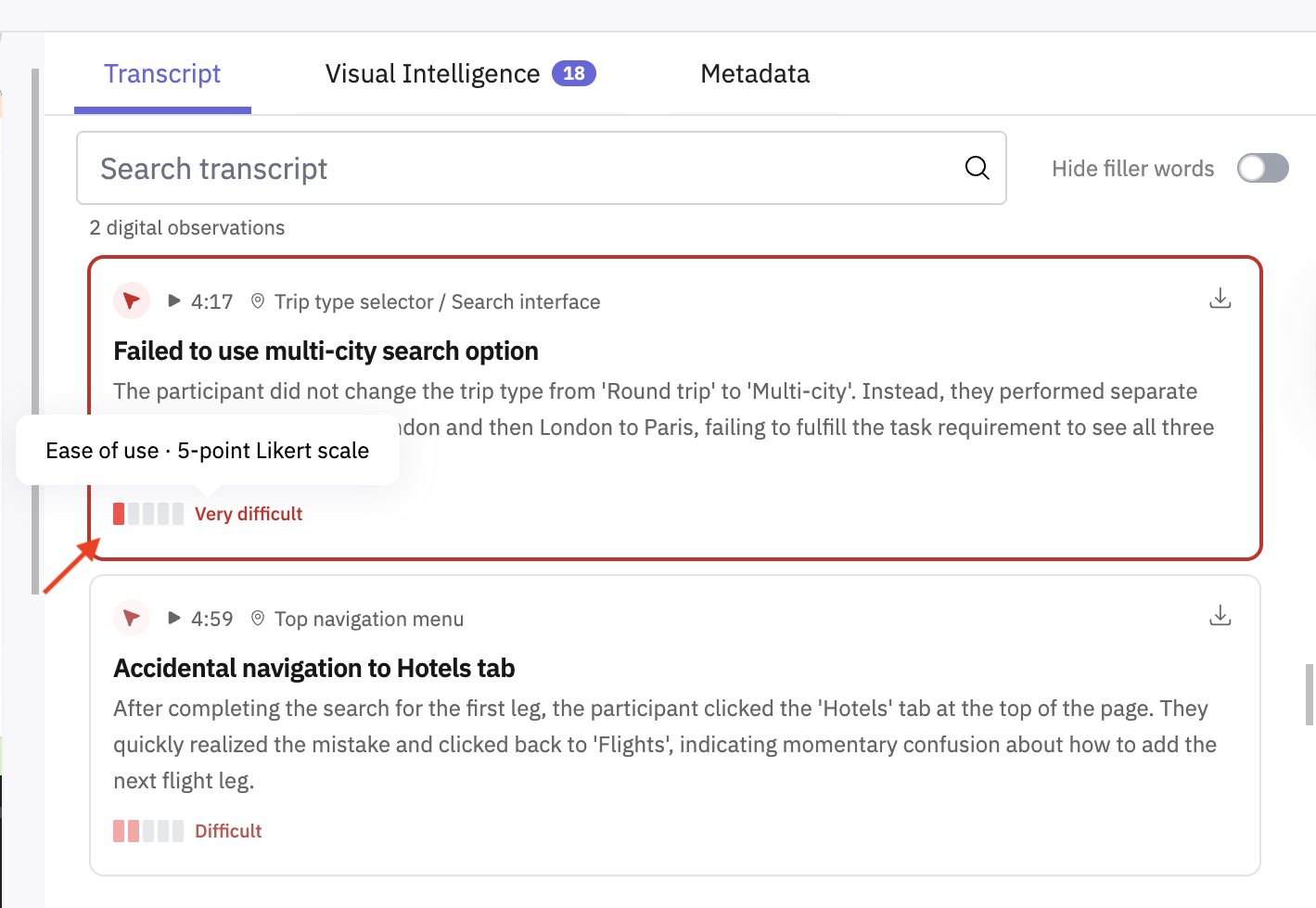
Digital Intelligence observations appear within each session transcript alongside the task recording. For each observation, you'll find:
A time-stamped flag indicating when the moment occurred during the task
A description of what the silent observer detected
An observed ease of use score from 1 to 5, assigned post-session:
1 = very difficult to use
5 = very easy to use
Priority-Weighted Observations
The silent observer doesn't flag everything equally — it assigns a priority level to each observation based on how much difficulty the participant appeared to experience:
🔴 High priority — low ease of use; highest value to probe on and review
🟡 Medium priority — neutral ease of use; moderate follow-up value
🟢 Low priority — high ease of use; likely no follow-up needed
This prioritization informs both the AI moderator's probing behavior during the session and how observations are surfaced in the Insights page.
Aggregate View
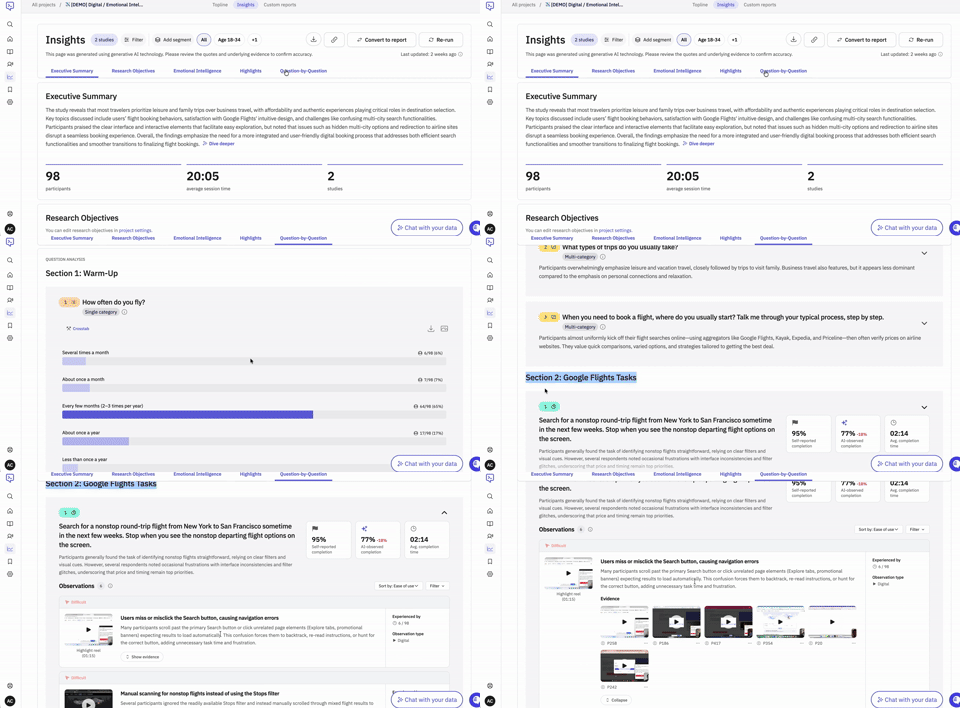
On the Insights page, Digital Intelligence observations appear within the Task Question block and are organized by how many participants experienced each observation — most to least common. Clips within the evidence section are sorted by ease of use - very difficult, difficult, easy, very easy.
"Show observations" expands the full list
Example Use Cases
Use Case | What Digital Intelligence catches |
E-commerce checkout | Dead clicks on non-interactive elements, rage clicks at payment step |
Onboarding flow | Flow discontinuity between steps, instruction/UI mismatches |
Dashboard usability | Cognitive overload from dense layouts or too many options |
Navigation testing | Frequent back-button use, unclear or inconsistent nav elements |
Form completion | Long unbroken instructions, missing progress indicators |
FAQs
Digital Intelligence works with desktop and mobile usability studies (note: Voice-to-Voice modality is not supported). Before you get started, a few things to keep in mind:
Does Digital Intelligence require any special guide setup?
No. It activates automatically for task-type questions in desktop and mobile usability studies. Make sure your task prompts and AI context fields are filled in clearly for best results, and we recommend clicking the checkbox that says “allow interviewer to dynamically probe once they finish the task.”
Does Digital Intelligence interrupt the participant during the task? No. The silent observer runs entirely in the background. Participants complete the full task before any probing begins.
Will Digital Intelligence observations appear in transcripts?
Yes — individual observation timestamps and priority scores are visible within session transcript pages.
Is Digital Intelligence available for mobile usability studies?
Yes, Digital Intelligence is supported on desktop and mobile usability studies.
Hope this helps! If you have any further questions, please reach out to our team at support@outset.ai or via chat.